Linear integration, improved Agent terminal, and OS notifications
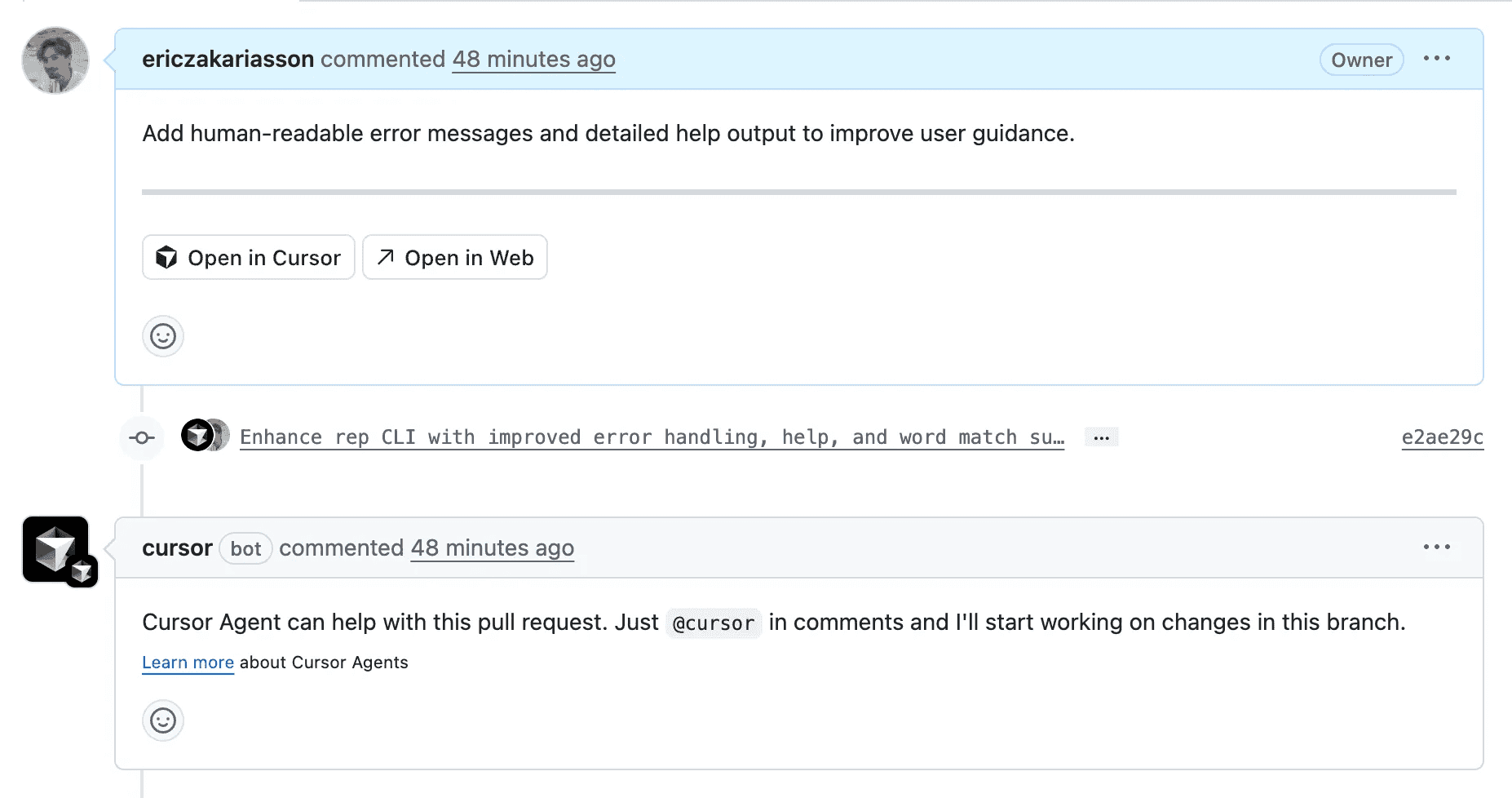
Run Agents in Linear
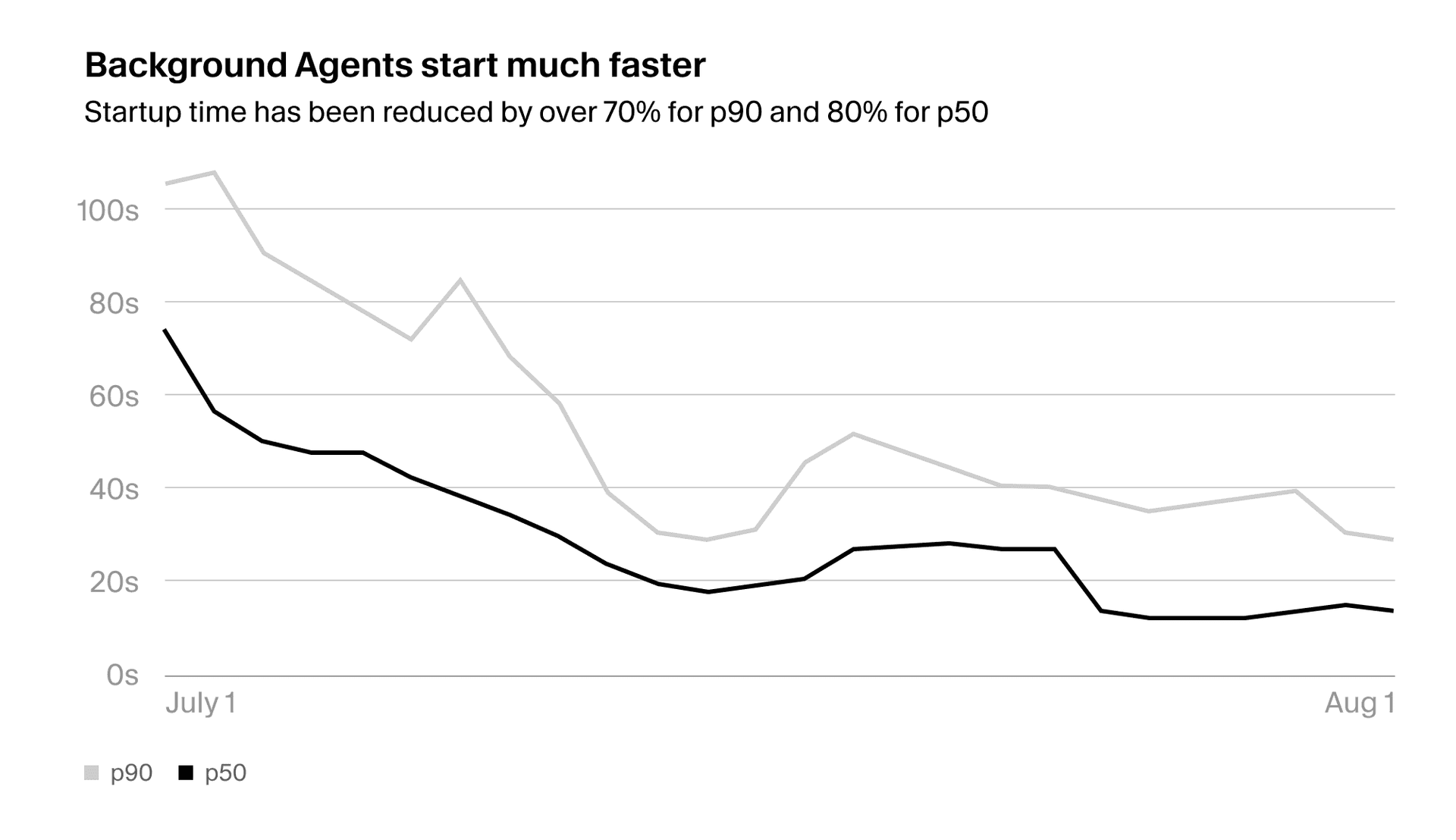
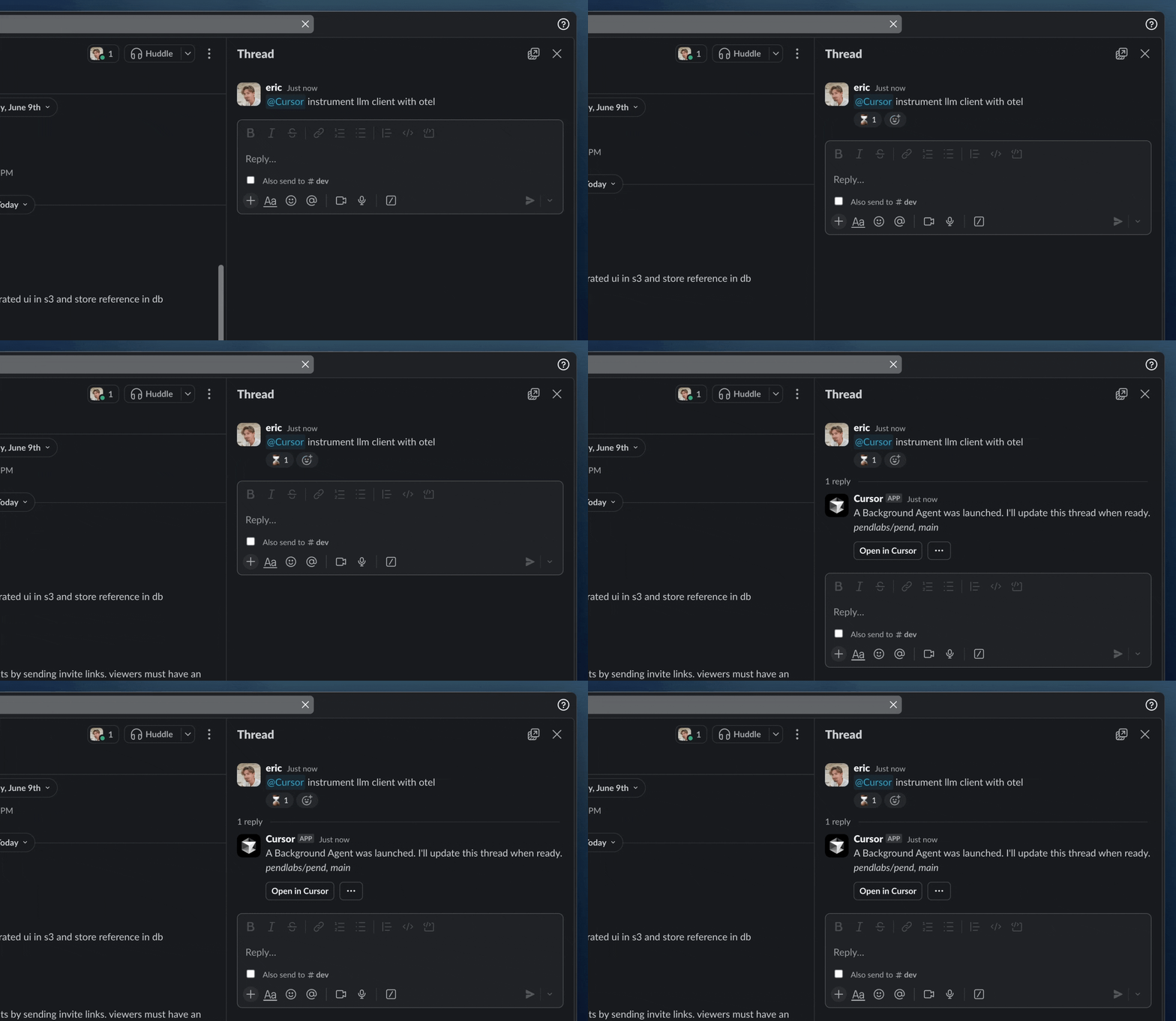
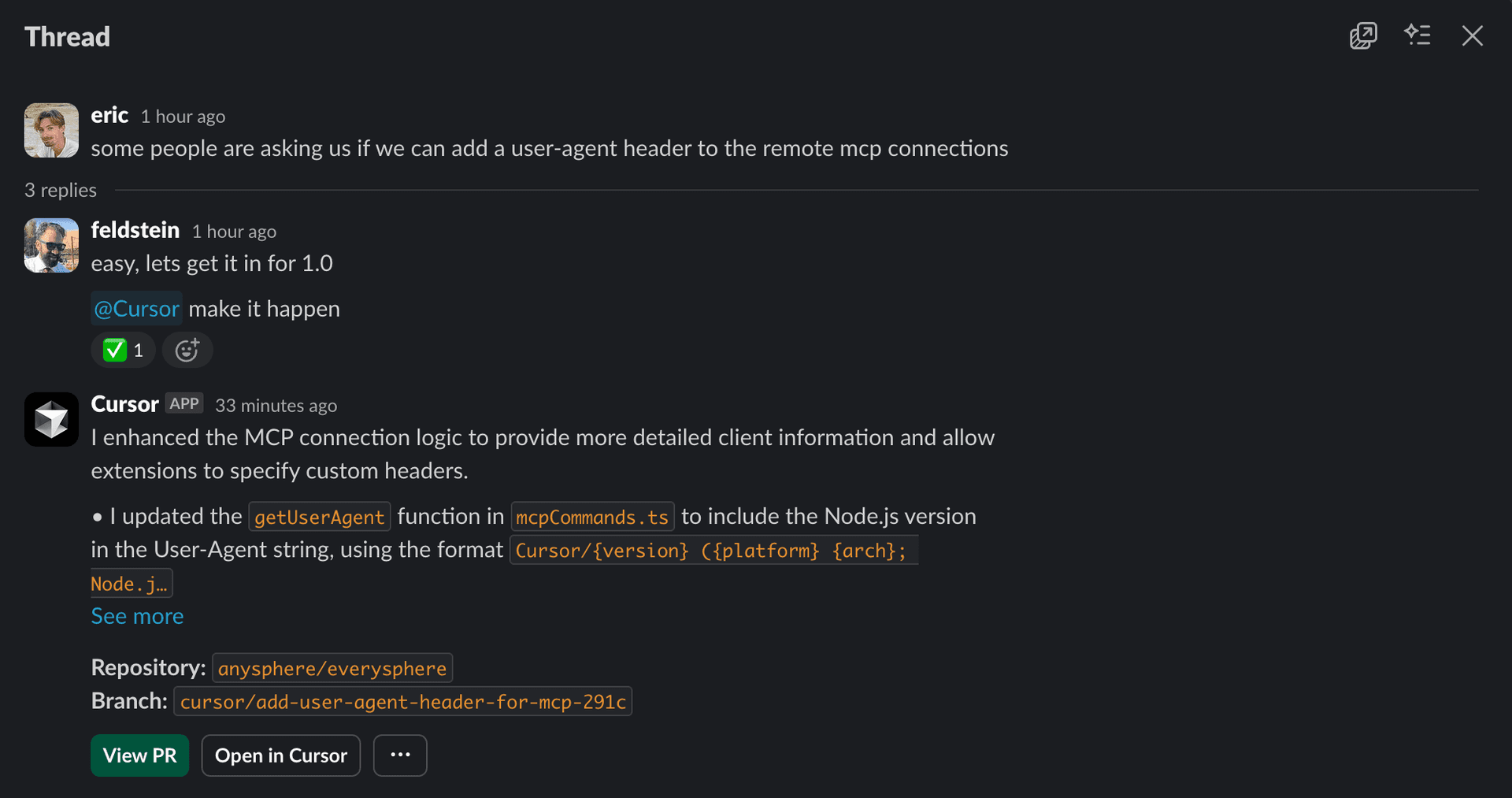
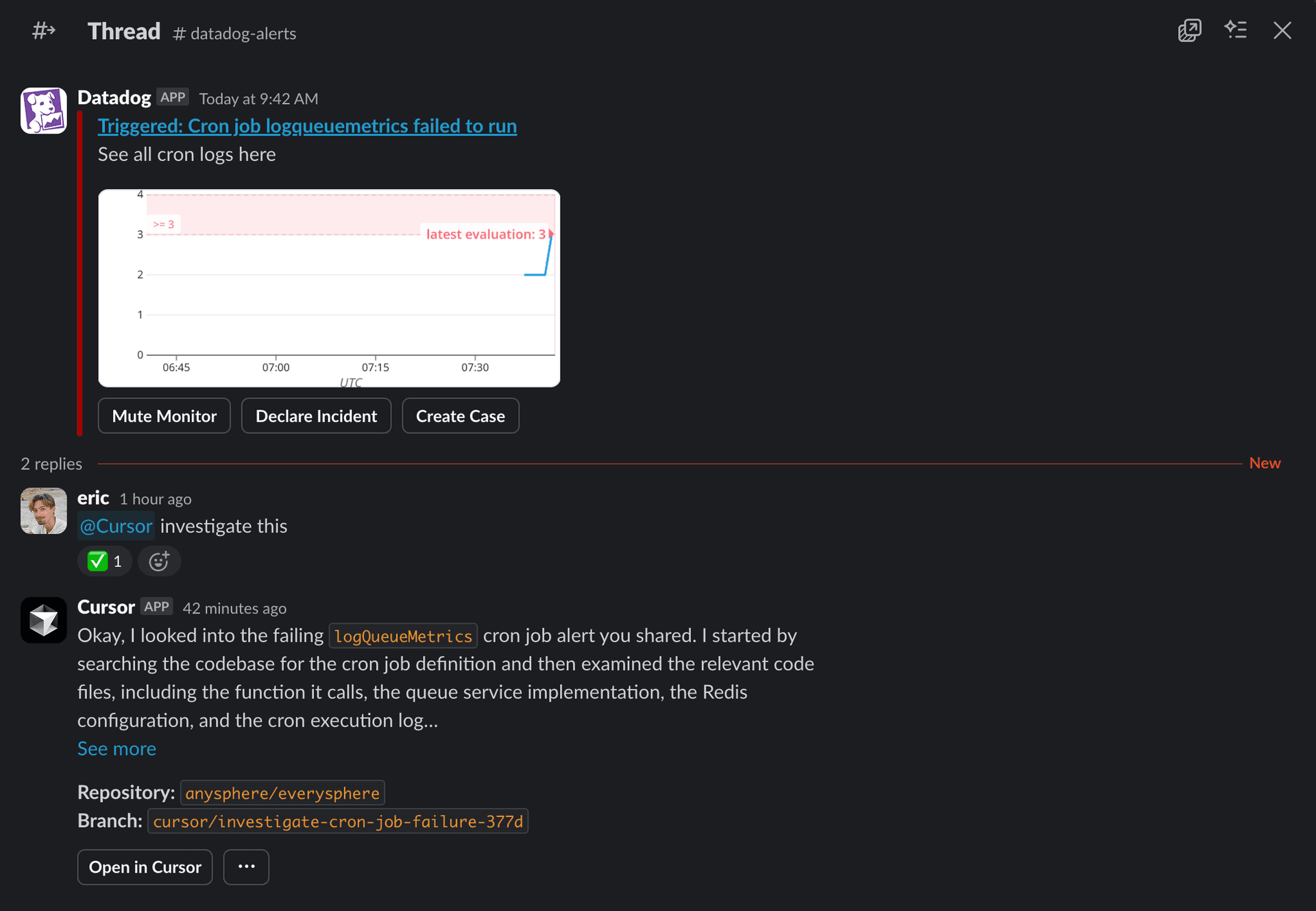
You can now start Background Agents directly from Linear. Delegate tasks to Cursor without leaving your issue. We've written a longer blog post with more details.
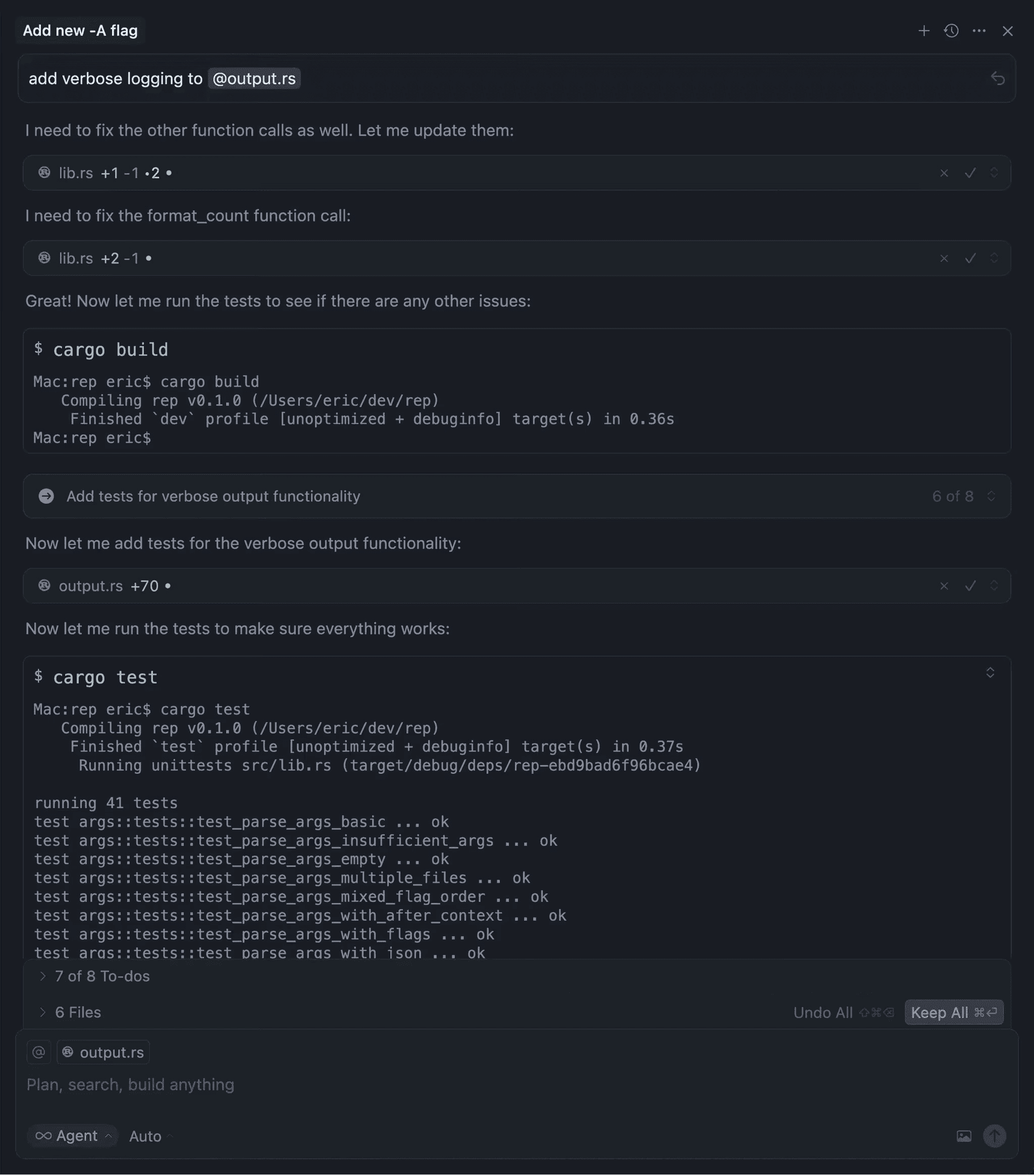
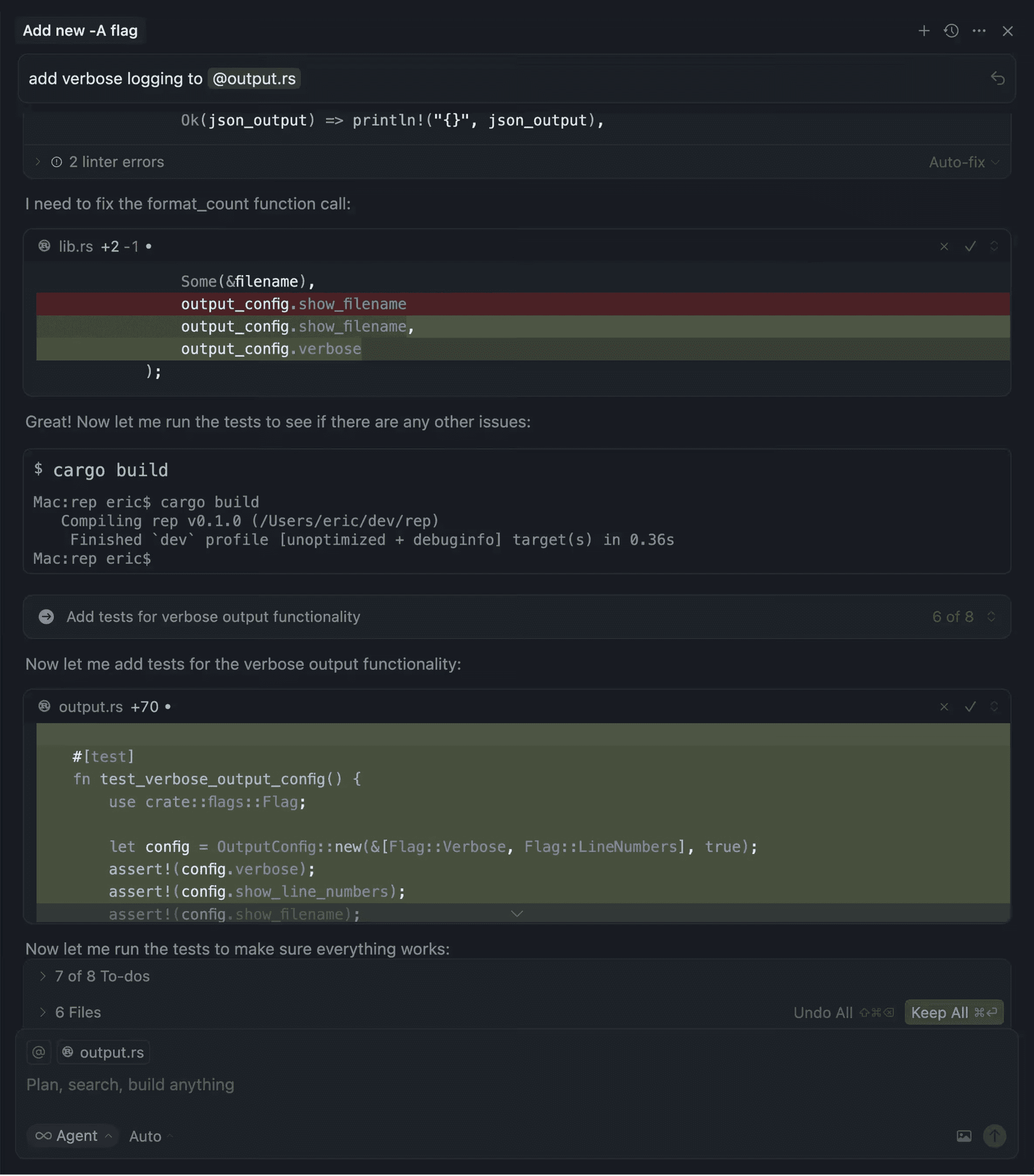
Improved review flow in Agent terminal
The terminal now opens on the left with a clear backdrop and border animation to highlight when it's blocking. Rejecting auto-focuses the input so you can respond immediately.
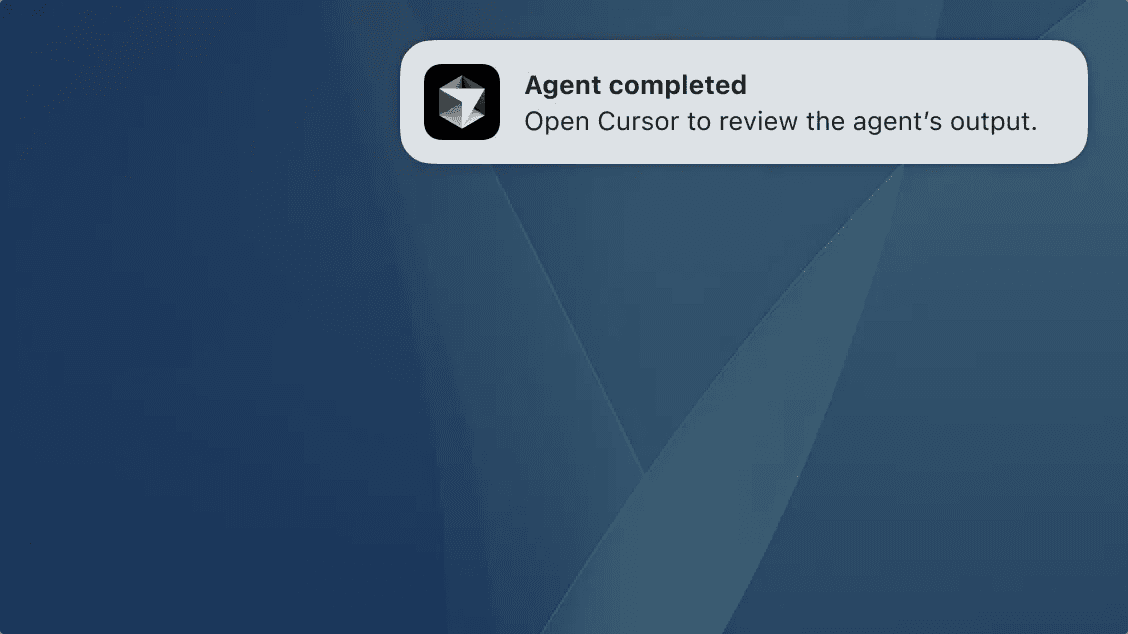
OS notifications from Agent
Get native OS notifications when an agent run finishes or when input is required, for example approving a command that is not allowlisted. Enable from Settings.
Support for MCP elicitation
Cursor now supports MCP elicitation, a new feature in the MCP spec that allows servers to request structured input from users, such as a user preference or configuration choice. Requests are defined with JSON schemas, giving servers validated responses while ensuring users stay in control of what they share.
- Tab now aware of full notebook.
- Copy cell content in Chat references code instead of pasting raw text
- Edit notebook tool are available for all models
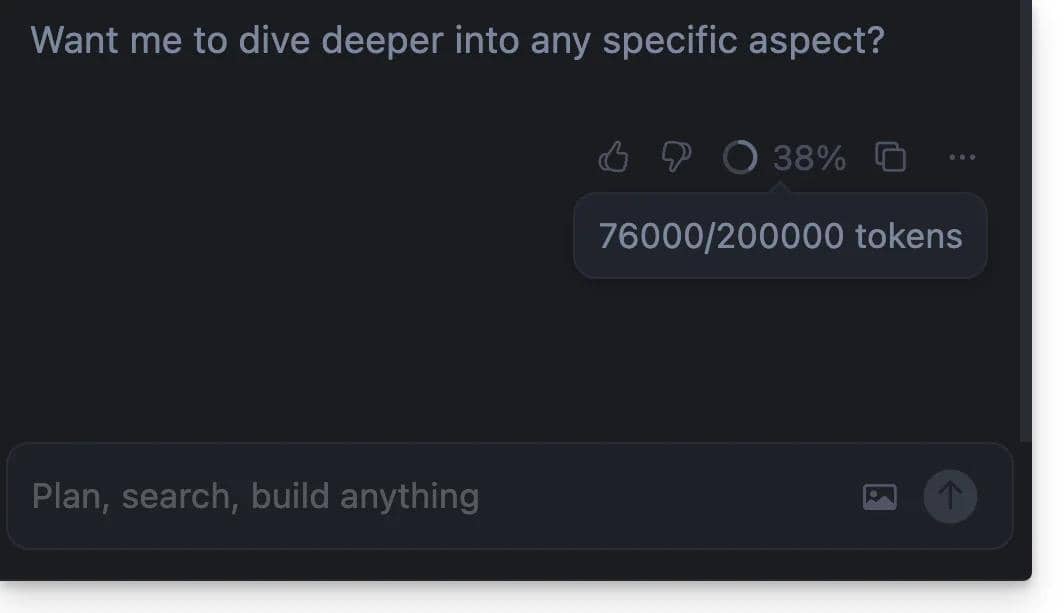
- Context usage is always shown in the chat input
- Using GPT-5 with Agent now supports creating todos
- Added label showing when queued message will be sent
- 1.5.1: Fixed critical application crash that could occur when working with large files. Improved memory management and stability.
- 1.5.2: Fixed command palette overflow issues and corrected sidebar icon sizing inconsistencies.
- 1.5.3: Resolved dropdown hover states and improved tooltip positioning across the interface.
- 1.5.4: Fixed modal backdrop click behavior and improved button alignment in various dialogs.
- 1.5.5: General stability improvements and bug fixes to enhance overall application performance and reliability.